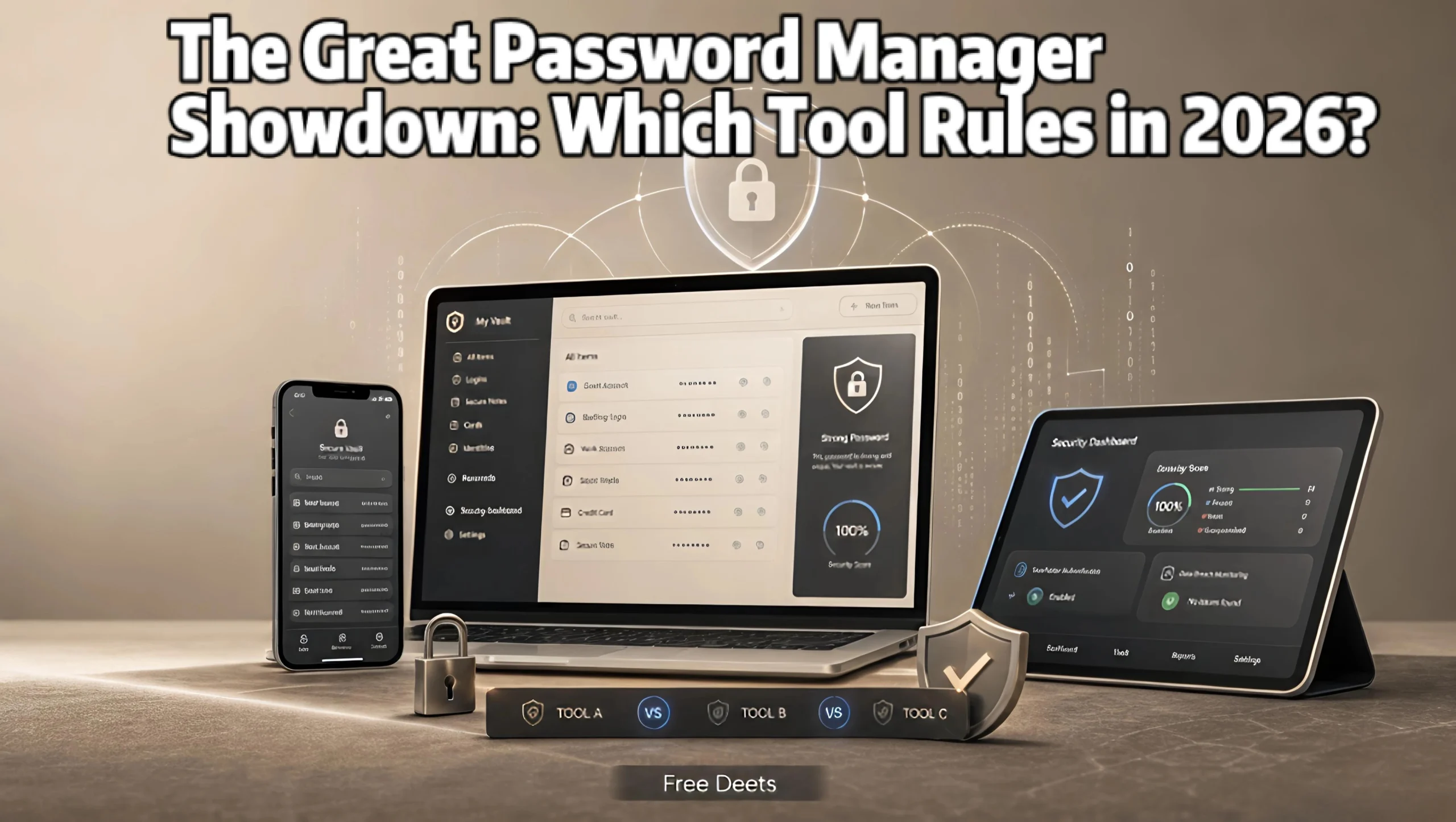
The Great Password Manager Showdown: Which Tool Rules in 2026?
Selecting the best password manager has become a fundamental defense against identity theft, credential stuffing, and data breaches in 2026. With the average consumer managing over one hundred online accounts, relying on human memory, browser defaults, or physical notes creates severe cybersecurity vulnerabilities. Modern dedicated vaults provide zero-knowledge end-to-end encryption, automated cross-device autofill, passkey integration, and dark web monitoring across desktop, mobile, and web environments.
Modern credential security involves far more than merely storing text strings in the cloud. According to digital identity guidelines published by the National Institute of Standards and Technology (NIST), utilizing complex, unique algorithmic passwords paired with multi-factor authentication (MFA) neutralizes the vast majority of unauthorized login attempts. Let’s examine how the six leading credential managers stack up in real-world performance, cryptographic transparency, and usability.
Core Vault Architecture: Zero-Knowledge Encryption
True zero-knowledge architecture ensures that your Master Password and Secret Keys are encrypted and decrypted locally on your client device. Even if an attacker or rogue employee breaches the company’s central cloud servers, your credentials remain an unreadable, mathematical scrambled blob.
1. 1Password: The Gold Standard for Power Users and Families
If you value a polished user interface, rock-solid security engineering, and seamless synchronization across macOS, Windows, iOS, Android, and Linux, 1Password remains an industry favorite:
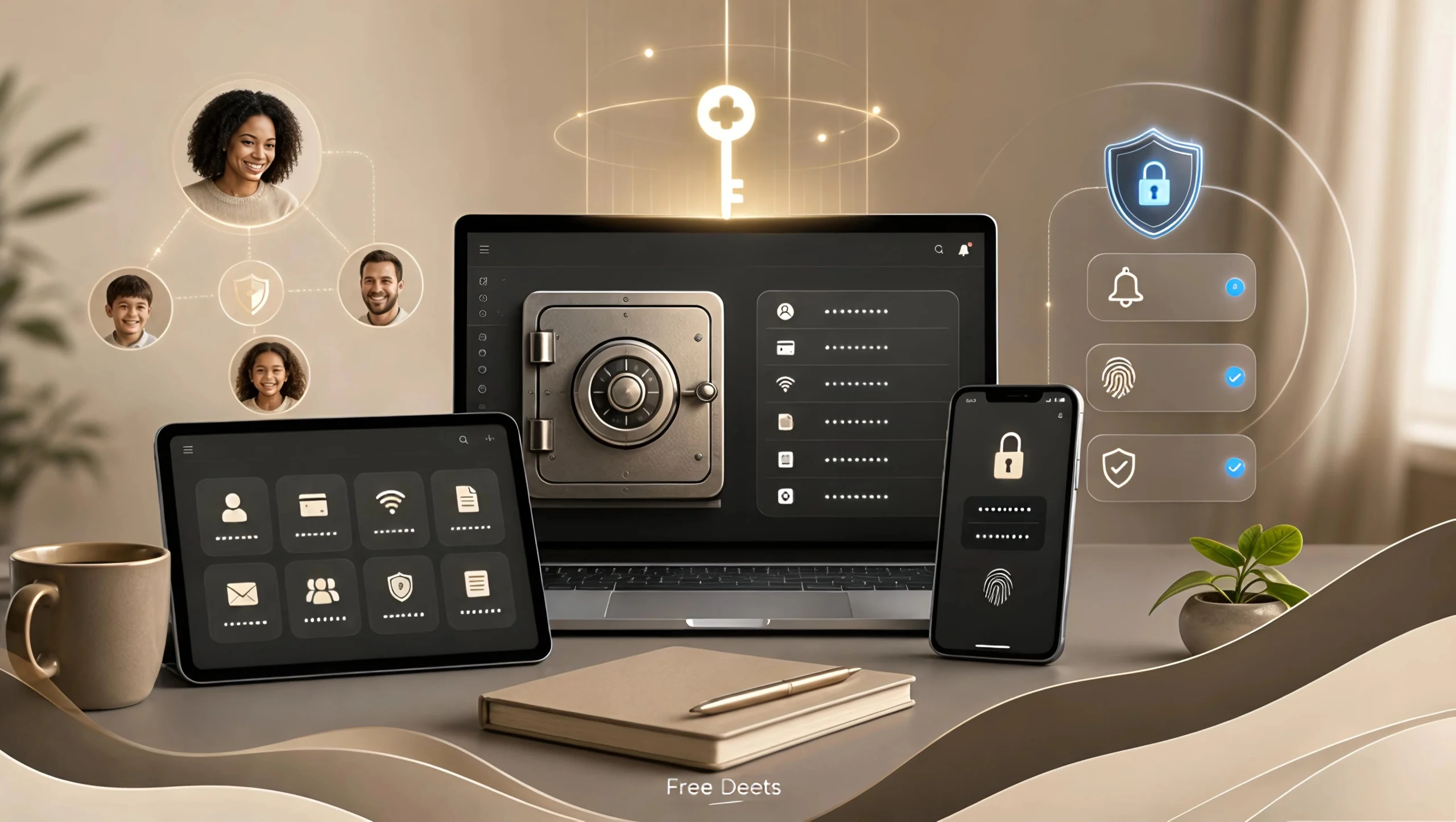
- Dual-Layer Secret Key Defense: In addition to your Master Password, 1Password generates a 128-bit Secret Key locally on your hardware. This key is combined mathematically with your master password, insulating your vault against brute-force cloud decryption.
- Watchtower Threat Intelligence: Proactively audits your stored database, alerting you immediately to duplicate passwords, weak combinations, and credentials compromised in active corporate data leaks.
- Travel Mode Protection: Allows international travelers to temporarily remove sensitive vaults from local devices when crossing borders, restoring access securely with a single toggle after arrival.
- Pricing Consideration: 1Password does not provide a permanent free tier, requiring a paid subscription after an initial trial period.
2. Bitwarden: The Open-Source Privacy Standard
For open-source advocates, developers, and privacy-conscious users, Bitwarden represents the gold standard in transparency and affordable pricing:
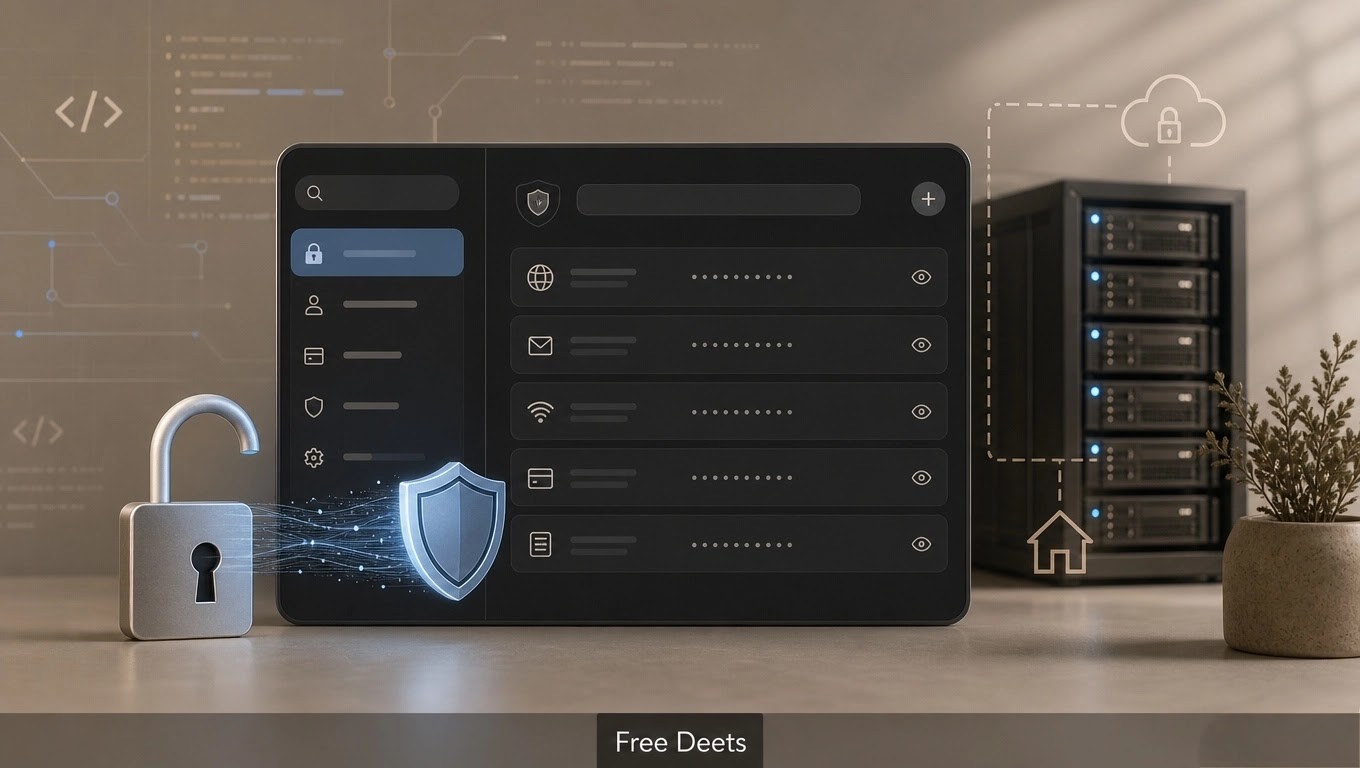
- Fully Audited Open-Source Code: The entire underlying codebase is publicly inspectable on GitHub, backed by regular, third-party security audits that confirm zero-knowledge standards.
- Industry-Leading Free Tier: Unlike proprietary competitors that limit free plans to a single device, Bitwarden provides unlimited password storage across unlimited devices for free.
- Self-Hosting Capabilities: Enterprise administrators and privacy purists can deploy Bitwarden on their own private servers or home Docker instances, eliminating third-party cloud reliance entirely.
- Interface Note: The user interface is functional and minimalist, prioritizing speed and utility over cosmetic design.
3. Dashlane: Comprehensive Security and Built-In VPN
Dashlane delivers a complete digital identity suite designed for users who want bundled online privacy tools:
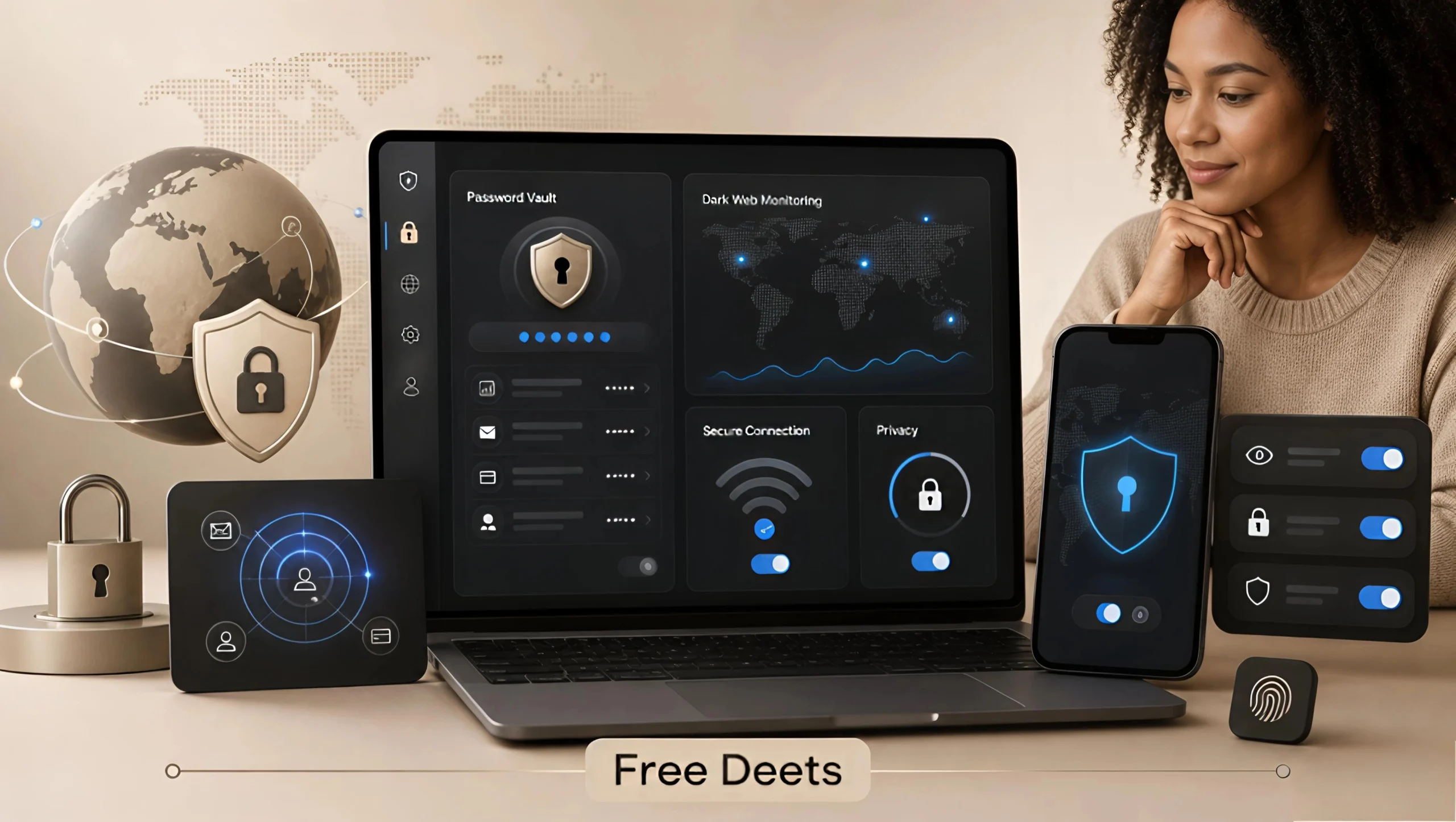
- Integrated Hotspot Shield VPN: Bundles an unlimited Virtual Private Network directly into the subscription, protecting traffic across public Wi-Fi networks without requiring standalone VPN software.
- Continuous Dark Web Monitoring: Scans breached databases continuously, alerting you if your Social Security number, corporate email, or financial accounts appear on illicit forums.
- Seamless Browser Extension: Features one of the fastest autofill engines on the market, recognizing dynamic multi-page checkout and login forms without hesitation.
- Premium Cost Structure: With no permanent free tier, Dashlane represents one of the higher-priced standalone options on the market.
4. LastPass: The Legacy Incumbent Rebuilding Trust
LastPass pioneered cloud password management, though past security challenges have driven substantial infrastructure redesigns:
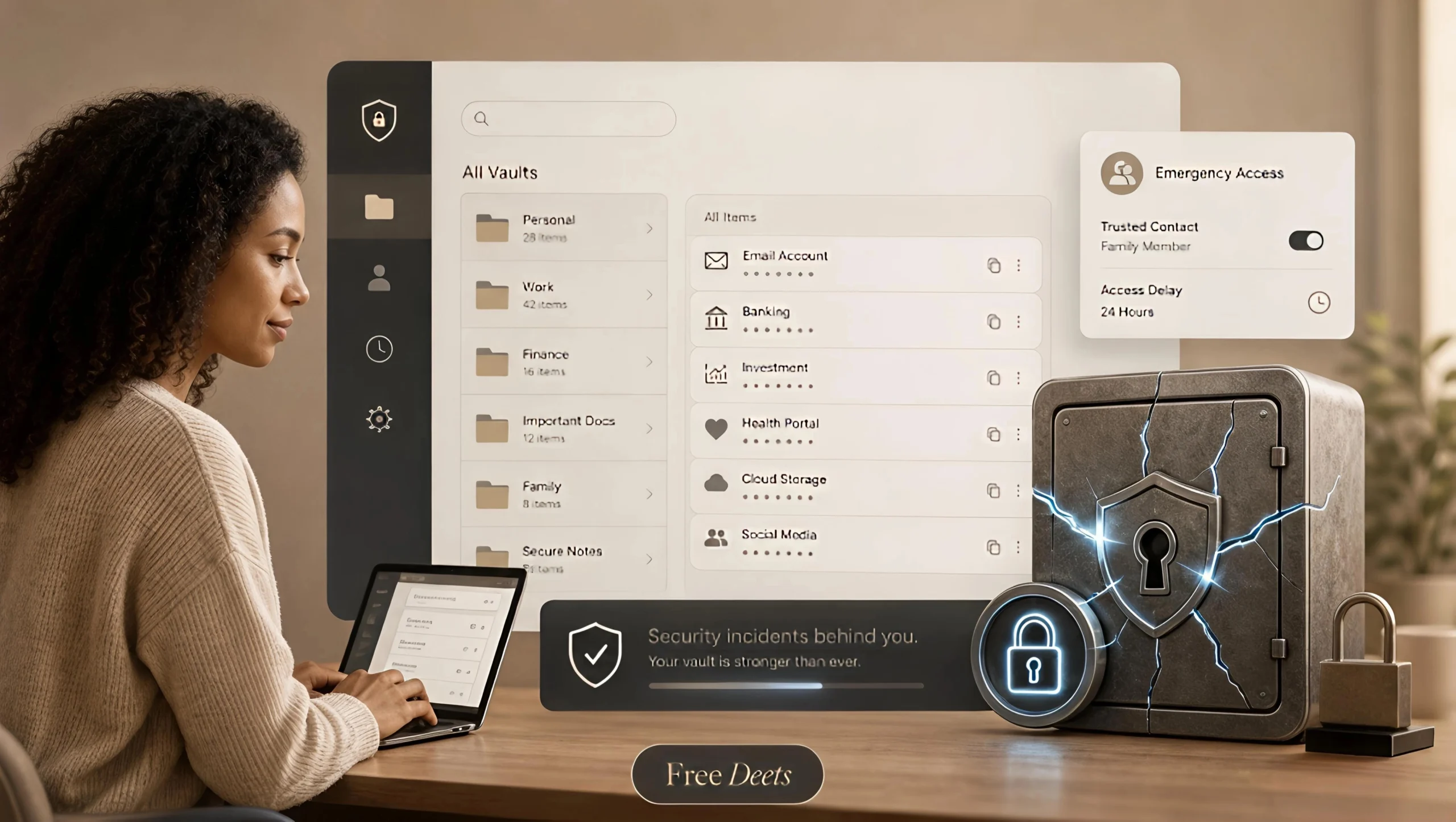
- Intuitive Folder Management: Features a clean, folder-based credential dashboard that makes organizing hundreds of personal and work logins simple.
- Configurable Emergency Access: Designate trusted legacy contacts who can request vault access in emergencies, subject to custom waiting periods to protect your privacy.
- Free Tier Restrictions: The unpaid tier limits users to either desktop or mobile devices, requiring a paid subscription for full cross-device synchronization.
5. Ecosystem Natives: Apple Passwords vs. Google Password Manager
For individuals who prefer native convenience without third-party subscriptions, built-in system managers provide streamlined credential storage:
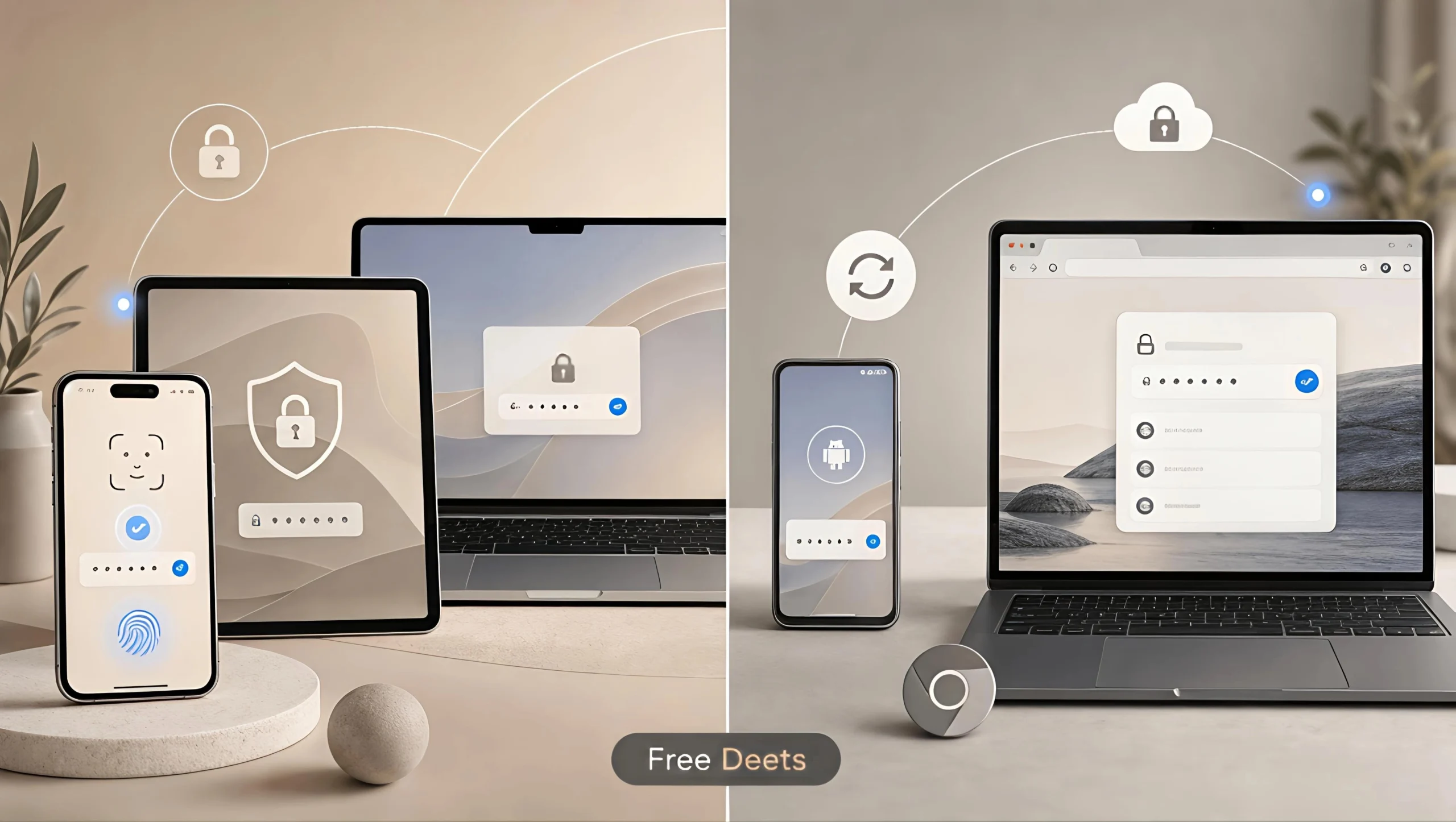
- Apple Passwords (iCloud Keychain): Built natively into iOS and macOS. Unlocks instantly via Face ID and Touch ID, syncs passkeys automatically over iCloud, and requires zero software installation, though cross-platform support on Android and Linux is absent.
- Google Password Manager: Embedded directly into Google Chrome and Android. Features on-device encryption options, automated credential auditing, and instant autofill across web forms, though it lacks advanced document vaults and custom item fields.
6. Head-to-Head Feature & Pricing Comparison
This side-by-side comparison highlights the key technical and financial differences across the market leaders:
| Password Manager | Zero-Knowledge Cryptography | Free Tier Offering | Estimated Starting Cost | Standout Feature |
|---|---|---|---|---|
| 1Password | Yes (+ 128-bit Secret Key) | 14-Day Free Trial | ~$2.99 / month | Travel Mode & Watchtower |
| Bitwarden | Yes (Audited Open-Source) | Unlimited Devices Free | ~$1.65 / month (Premium) | Self-Hosting & Full Transparency |
| Dashlane | Yes (AES-256 Bit) | 30-Day Free Trial | ~$3.68 / month | Integrated Unlimited VPN |
| LastPass | Yes (PBKDF2 SHA-256) | Single Device Type Only | ~$3.00 / month | Granular Emergency Access |
| Apple Passwords | Yes (Hardware Enclave) | Free with Apple Hardware | Included with iOS/macOS | Biometric Passkey Integration |
| Google Password | Yes (Optional On-Device Key) | Free with Google Account | Included with Google Account | Native Android & Chrome Sync |
7. Step-by-Step Guide: How to Safely Export and Migrate Your Passwords
Migrating from browser-based managers into a dedicated vault like 1Password or Bitwarden is a significant security upgrade. However, exporting passwords creates an unencrypted CSV text file that requires careful handling. According to cybersecurity guidelines from the Cybersecurity and Infrastructure Security Agency (CISA), follow these steps to prevent credential leaks:
- Disconnect from the Internet: Unplug your ethernet cable or turn off Wi-Fi before exporting to prevent active background extensions from reading the file.
- Export to a Local Directory: In Google Chrome (
chrome://password-manager/settings) or macOS Passwords, export your passwords as a.csvfile, saving it locally to your desktop rather than a cloud-synced folder like Dropbox or Google Drive. - Import Directly into Your Dedicated Vault: In the Bitwarden or 1Password desktop application, navigate to File > Import, select the source file format, and import your credentials into your primary vault.
- Securely Shred the Plaintext CSV File: Simply moving the file to your trash or recycle bin leaves the raw data intact on your hard drive. On Windows, use open-source shredding tools (like BleachBit or Eraser) to execute a multi-pass overwrite; on macOS, ensure the file is permanently deleted using secure file utilities.
- Clear Local Browser History: Clear your browser’s download history to remove references to the exported file path.
Frequently Asked Questions About Password Managers
Can password manager companies see my stored passwords?
No. Reputable dedicated password managers utilize client-side zero-knowledge encryption. Your master password acts as the cryptographic key that encrypts and decrypts your vault locally on your device. The provider’s servers receive only encrypted data, meaning even their internal software engineers cannot read your passwords.
Are passkeys going to replace traditional passwords entirely?
Passkeys—built on the FIDO2 WebAuthn standard—are rapidly replacing traditional passwords across major platforms. They utilize public-key cryptography tied to your device biometrics (Face ID, Touch ID, or Windows Hello), making them completely immune to phishing attacks. Leading managers now store and sync passkeys seamlessly across devices.
What happens if I forget my Master Password?
Because providers operate on zero-knowledge architecture, they cannot reset your master password. However, options like 1Password provide an Emergency Kit document with your Secret Key, while Bitwarden supports emergency contact access. Storing your master password in a physical fireproof lockbox is strongly recommended.
Core Takeaways for Selecting Your Vault
- Choose 1Password for premium cross-platform design and family vault sharing.
- Choose Bitwarden for audited open-source transparency and an unlimited free plan.
- Always shred unencrypted CSV export files after migrating credentials.
Conclusion
Finding the best password manager depends on your personal devices, budget, and privacy preferences. While built-in tools like Apple Passwords and Google Password Manager offer convenient baseline protection, dedicated vaults like 1Password and Bitwarden provide superior cross-platform versatility, dual-layer encryption, and secure file sharing. By adopting a dedicated password manager and enabling multi-factor authentication, you establish a resilient security posture that protects your digital life against modern cyber threats.